install.packages("gitcreds")GitHub + RStudio
Happy Git and GitHub for the useR is a great resource for connecting Git/GitHub and RStudio.
This Markdown Cheatsheet is a quick reference for basic Markdown commands.
Lab Specific Git + RStudio Communication
On the GitHub Website
Generate token
- Log into https://github.com/
- Go to https://github.com/settings/tokens
- Press
Generate new token - Select
Generate New Token (Fine-grained, repo-scoped)from the dropdown menu - Create token name
- No description
- Select expiration
- Keep public repositories
- Don’t add any permissions
- Click
generate token
Copy token
Copy this token to your computer (notes, word, password organizer, etc…) temporarily until after this process is completed.
In RStudio
Enter GitHub Token into R
- Check if the “gitcreds” package is installed
- at the prompt in the Console type ‘gitcreds()’
- if an Error is received, please install package
- at the prompt in the Console type ‘gitcreds()’
- Add your token to R
- in the console at the prompt
>run the command below
- in the console at the prompt
gitcreds::gitcreds_set()Paste token when prompted
To check if this worked run “gitcreds::gitcreds_get()”
Note
Ensure you have packages rmarkdown and knitr installed by searching in the Packages tab.
UPDATE BEGINNING HERE
Test if all is working
Ready to go to town
Create a New Project in RStudio from an existing project on GitHub
Clone existing repo on GitHub
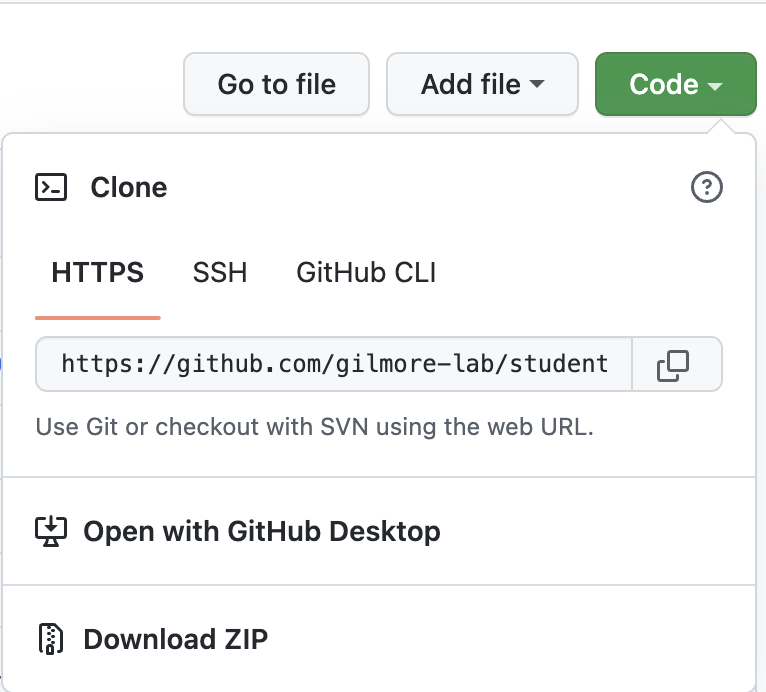
- Navigate to the GitHub project page
- e.g. https://github.com/gilmore-lab/student-testbed
- Press the button
Code - Copy the HTTPS link of the project by clicking the little icon to the right of the URL. The link will be something like https://github.com/gilmore-lab/student-testbed.git
Create New Existing Project in RStudio
How to work on your own branch
Continue to update these instructions
Create a branch in GitHub
For each GitHub repository you will be working on in the lab that is shared among others, you will need to create your own Branch.
Please create your own branch directly in the repository on the GitHub site
Make changes to branch on repository
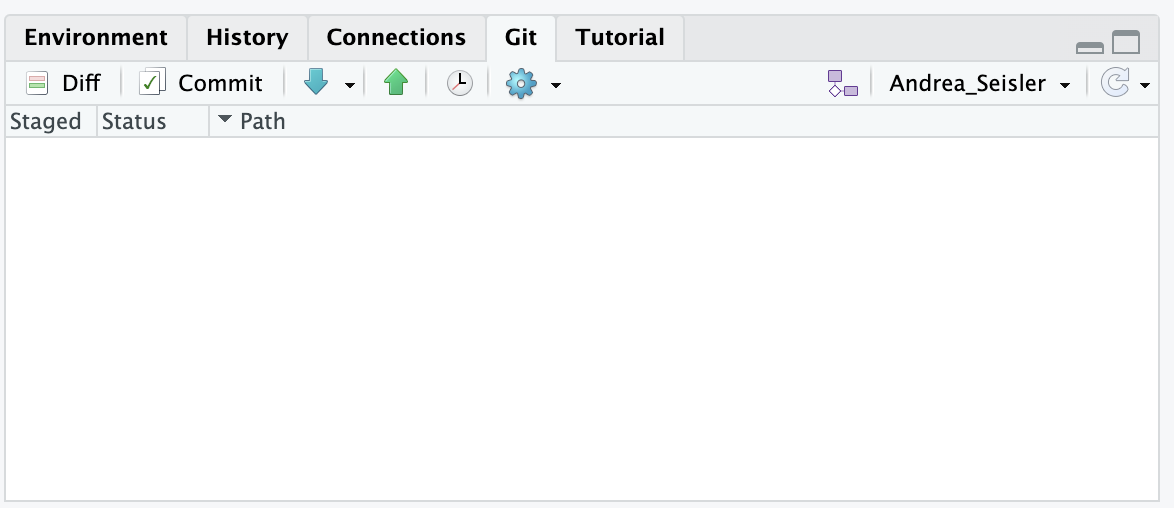
- Ensure the branch name is listed in the Git window in R
Create Pull Request, for review, on GitHub
Always run ‘Git Pull’ before changes are made
Make Changes to File
Commit changes
Run ‘Git Push’ to Your Branch on Github
Go to
github.com/gilmorelab/<repository name>and create a Pull request