9 Lab Manager How To
9.1 Request a Room for Meeting Use
Go to the PSU Psychology Staff by Area of Support page and scroll down to the Scheduling Requests section.
Choose Moore Building and complete the Room Request form that pops up. Room 444 is our favorite for weekly lab meetings.
If another room on campus is needed, choose General Purpose Classrooms.
Participant Recruitment
FIRSt Families
We use FIRSt Families Database to gather prospective participant contacts.
Mailing Letters - Postage Forms
When letters need to be sent to participants, a postage form needs to be completed.
Go to: https://multimediaprint.psu.edu/

- click the
meter slipbutton in the top right corner. - click ‘Login’
Info you will need:
- Cost Center OR
- Task: Participant Recruitment Letters
Create a Listserv
Specific Bulk add information to come soon.
- Go to http://lists.psu.edu/ and log in if you have not already done so.

- On the home page, click
Mailing List Management Interface
How to Setup a New SONA Study
SONA is the PSU Psychology Department Subject Pool.
Email the project PI and the graduate student running the study
Dear [Dr. Gilmore],
Please request that [Student Name] and myself be added as a researcher to SONA.
Email: psychsonaupwc@psu.edu CC: [lab manager][student][any other PI on study]
Dear Subject Pool Administrator,
Please add my lab manager and the graduate student working on my project [Project Name], [IRB#] to the list of available researchers. Their contact information is as follows:
Lab Manager Name Lab Manager Email Address Psychology
- [Graduate Student Name]
- [Email address]
- [Department]
Thank you, Rick Gilmore
Dear [Graduate Student Name],
Here is a link to the details of the subject pool: https://psych.la.psu.edu/graduate/current-students/psychology-department-subject-pool-information
Please send me the following:
- most recent IRB approval Form
- current consent form
- current debriefing form.
I will need to know the following:
- What is the Study Title used in the subject pool advertisement (if different from the IRB title)?
- How many participants should be requested?
- How long should the time slot be (30, 60, or 90 minutes)?
- What is the location of the study?
- What is the Participant Sign-up deadline? e.g. 24, 48 hours?
- What are the Participant inclusion criteria?
I can submit a request for hours once our accounts are activated and I have all of the information above.
Please let me know if you have any questions.
Kind regards, Andrea
Lab Manager add study to SONA
Once the lab manager receives the documentation and answers to all questions above, they create a new study in SONA.
Log In
Go to: https://pennstate.sona-systems.com/
choose Penn State Web Access Login

SONA Log in then on the next page choose Researcher
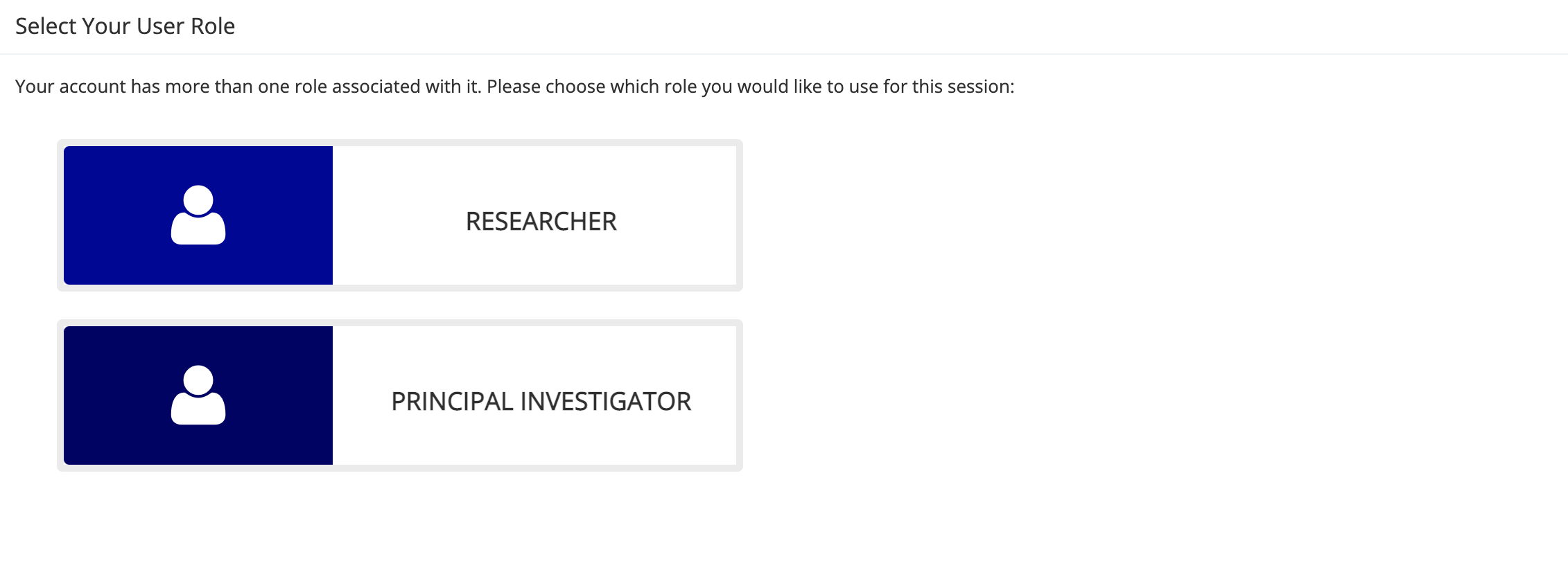
Select Role
How to create a study in SONA
—-more here—-
Wait for researcher approval in SONA
The PI (and maybe the lab manager and researcher) will receive a return email when the researchers are added to SONA
Add researcher to study in SONA
Once the PI, Graduate student and lab manager are added to SONA, the lab manager needs to add the graduate student to the study.
To do this complete the following steps:
Lab manager logs into to SONA
Select View and edit your studies
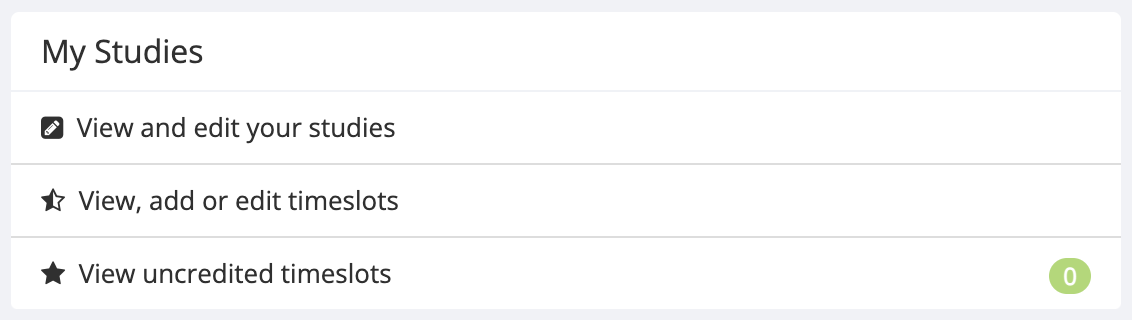
My Studies Select Study Info
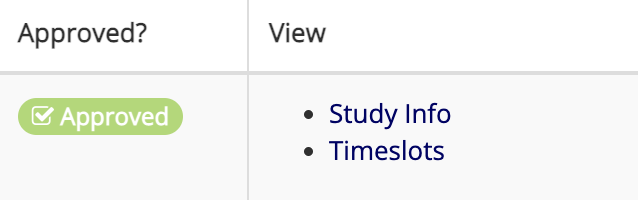
Study Info Select Study Menu then Change Study Info
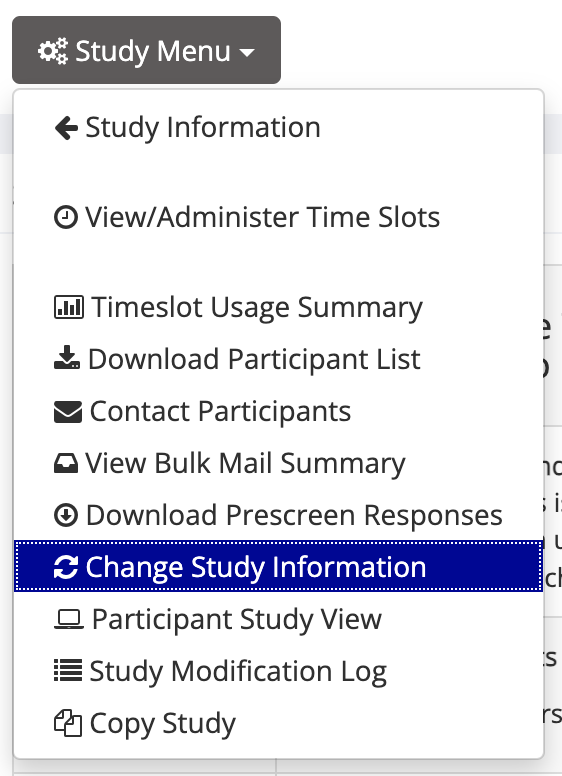
Study Menu Scroll down to view the Researcher section in Basic Study Information
Select researcher from the box

Add Researcher Lab manager then emails the student to let them know they have been added to the study in SONA.
Add timeslots to study in SONA
The researcher adds timeslots for the study
Log in as Researcher
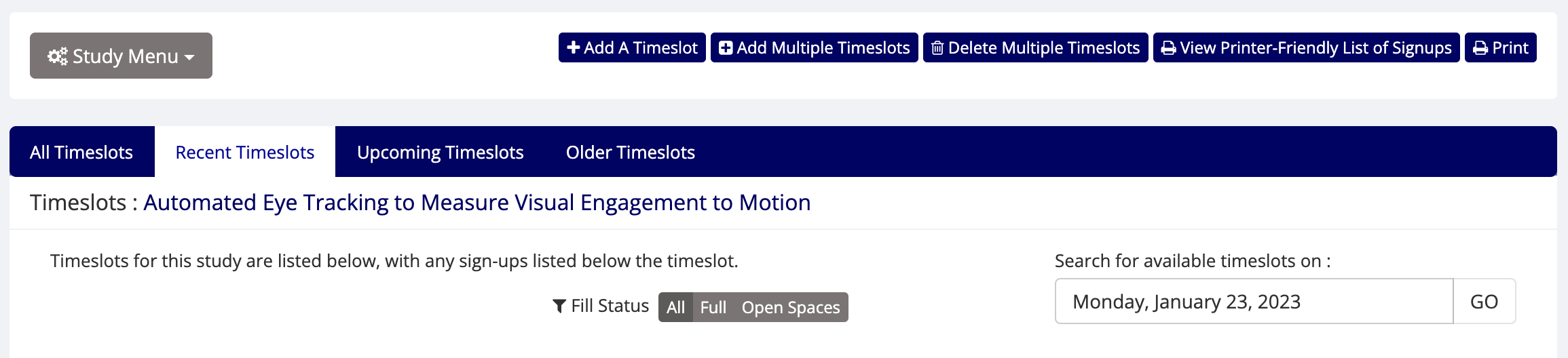
Choose View, add or edit timeslots
My Studies Select Timeslots

Timeslots On the add timeslots page there are options to add a single timeslot or multiple timeslots
Add timeslots